Assemblies with mates
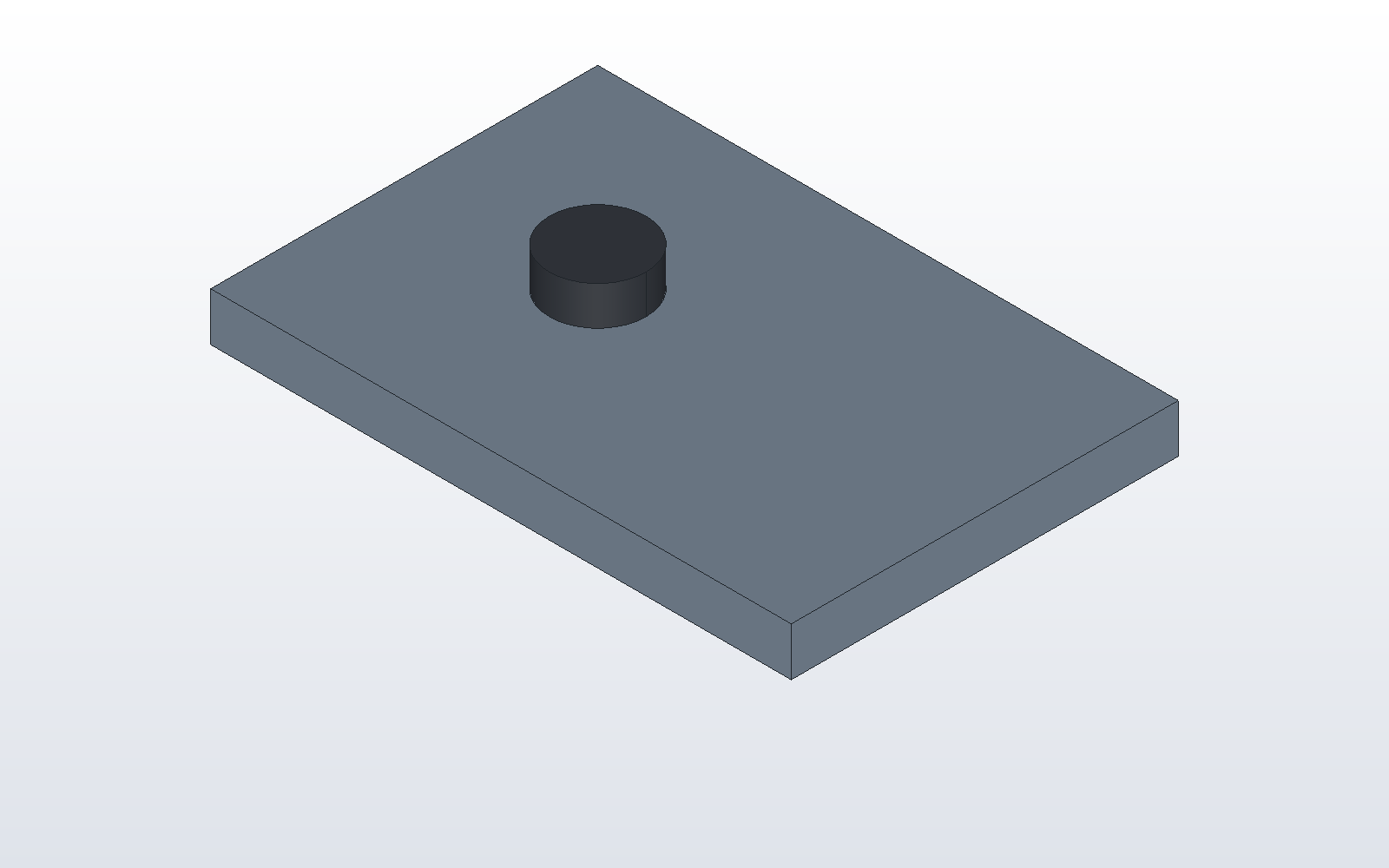
An assembly in DX-CAD is a model.py that places several parts. A part can be placed by numbers, or by mates, which place it by its faces and axes, so it follows whatever it is mated to. This tutorial bolts a plate, then uses that bolted pair twice in a bigger assembly.
A bolt in a plate
# bolt_plate.py
THICK = 5.0
RADIUS = 3.0

plate = cut(make_box(60, 40, THICK), make_cylinder(RADIUS, THICK, (20, 20, 0)))
part("plate", plate, color="steel")

bolt = fuse(make_cylinder(RADIUS, 20), make_cylinder(5, 4, (0, 0, 20)))
part("bolt", translate(bolt, (100, 50, 30)), color="hardware")
mate("bolt", "cylinder 1", "plate", "hole 1", "concentric")
mate("bolt", "<Z 2", "plate", ">Z", "coincident")
The bolt is built anywhere, here 100 mm off to the side. The two mates move it into place:
concentricputs the bolt'scylinder 1, its thinnest cylinder (the shank), on the axis of the plate'shole 1.coincidentlays the bolt's<Z 2, the second plane out facing down (the underside of the head), flush on the plate's>Z, its top face.
The rules for these names are on the model language page:
planes are counted, holes are counted by position, and every name is read
in the part's own frame. Make THICK 8 and the bolt rises with the plate's
top. A mate that cannot be met is refused, with the distance it misses by.
A sub-assembly, used twice
dxcad run bolt_plate.py --output bolt_plate.dxcasm
That writes bolt_plate.dxcasm, an assembly of the two. A second model takes its parts with use().
With as_group=True they come as one sub-assembly, which place puts down
whole:
# frame.py
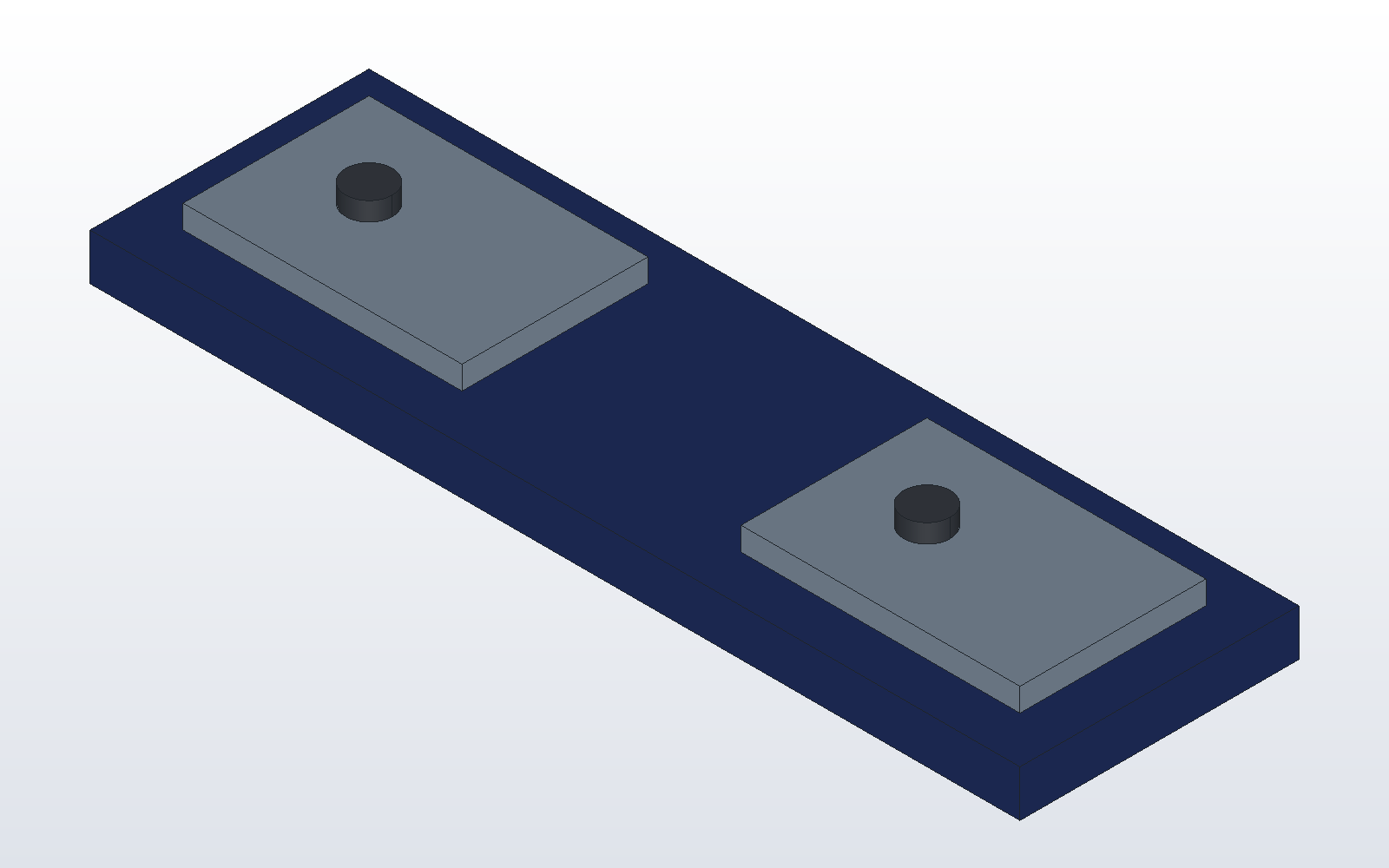
pair = use("bolt_plate.dxcasm", as_group=True)

rail = make_box(200, 60, 10)
for x in (30, 150):
    rail = cut(rail, make_cylinder(3, 10, (x, 30, 0)))
part("rail", rail, color="navy")
place("left", pair, at=(10, 10, 10))
place("right", pair, at=(130, 10, 10))
Each placed part is named left/plate, left/bolt and so on. When
bolt_plate.py changes and is run again, frame.py picks up the change the
next time it runs.
dxcad run frame.py --output frame.dxcasm
dxcad bom frame.dxcasm
bom lists the rail once and each part of the pair with a count of two.
Next: drawing a part.