Drawing a part
A drawing in DX-CAD is a .dxcdrg file. It holds no geometry: it names the model, the sheet, the title block's fields and where each view has been moved. Each time it is opened or exported it is drawn again from the model, so it never goes stale. This tutorial draws an angle bracket and its two rubber feet on an ISO A3 sheet, with a parts list, and exports it to PDF.
The part
# angle.py
LENGTH = 60.0
WIDTH = 40.0
HEIGHT = 30.0
THICK = 4.0
HOLE = 5.5

angle = fuse(make_box(LENGTH, WIDTH, THICK), make_box(LENGTH, THICK, HEIGHT))
for x in (LENGTH / 4, 3 * LENGTH / 4):
    hole = make_cylinder(HOLE / 2, THICK, (x, (WIDTH + THICK) / 2, 0))
    angle = cut(angle, hole)
part("angle", angle, color="galvanised")

for x in (LENGTH / 4, 3 * LENGTH / 4):
    part(f"foot_{int(x)}", make_cylinder(6, 3, (x, (WIDTH + THICK) / 2, -3)), color="black")
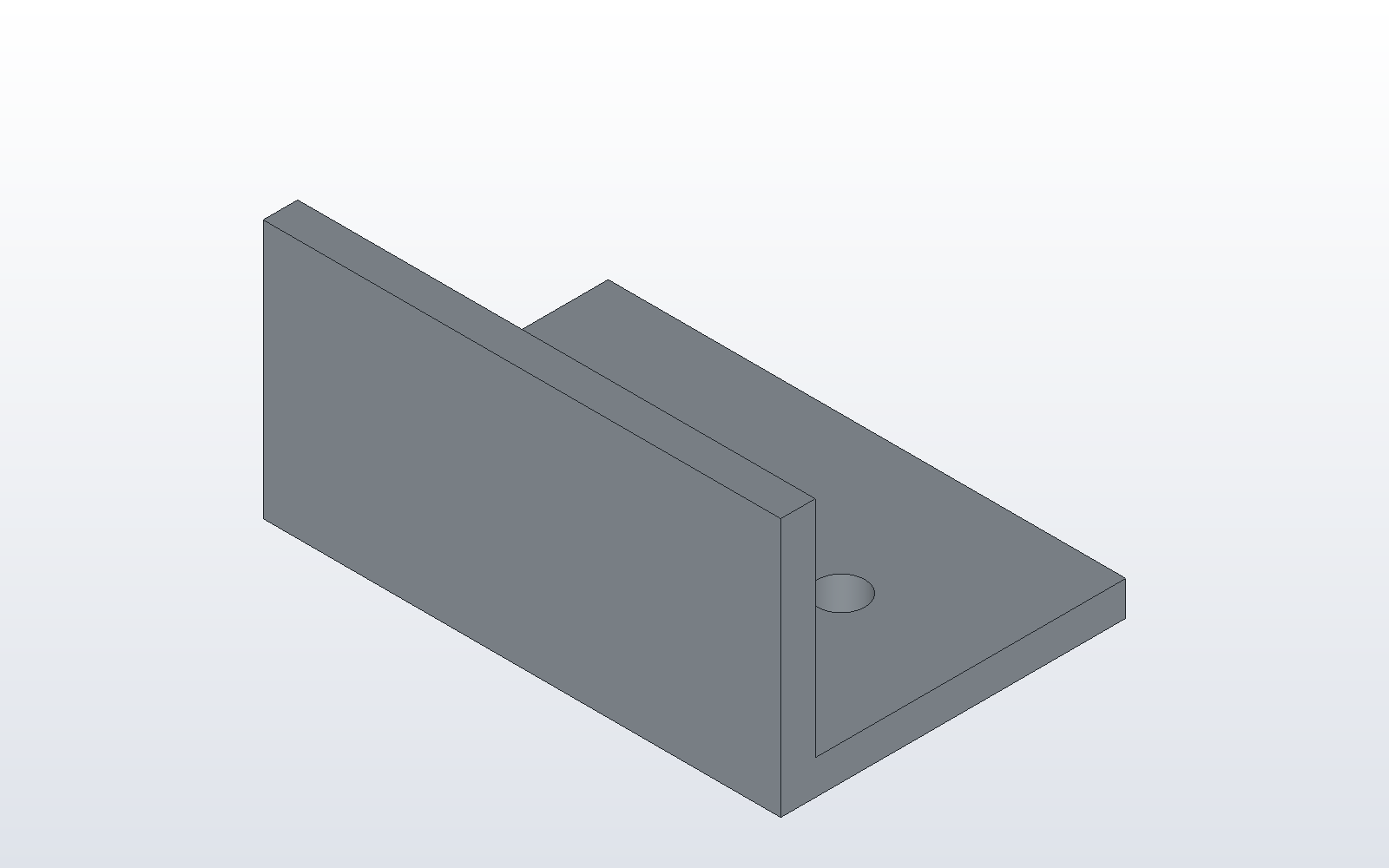
The drawing
In the window, save the model's project, then File > Drawing... makes the drawing in a tab of its own, on the sheet you choose. It is drawn with the front, top, right and isometric views, the overall sizes, a callout for each hole and the parts list. Drag a view to move it, fill in the title block, and save. Here is what was saved, beside this page as angle.dxcdrg:
{
  "format": "dxcaddrg",
  "format_version": 1,
  "model": "angle.dxcprt",
  "sheet": "ISO-A3",
  "scale": null,
  "views": {},
  "dimensions": true,
  "parts_list": true,
  "fields": {
    "company_name": "Designmatix Ltd",
    "drawn_by": "DX-CAD",
    "material": "Galvanised steel",
    "drawing_no": "TUT-0001",
    "rev_number": "A"
  },
  "hidden_off": [],
  "font": null,
  "text_height": null
}
"scale": null lets DX-CAD pick the largest standard scale that fits.
"views": {} means no view has been moved. "parts_list": true puts the
bill of materials on the sheet: the angle once, and the two feet as one
line with a count of two.
To PDF and DXF
dxcad run angle.py --output angle.dxcprt
dxcad drawing angle.dxcdrg --output angle.pdf --output angle.dxf
The PDF is one page, the size of the sheet. The DXF has one layer for each
view's visible and hidden edges, and each dimension is a DIMENSION entity.
Change HEIGHT in angle.py, run it again, and export again: the views,
the dimensions and the parts list follow. Next:
DX-CAD with Claude Desktop.